
How to Order from Mercari: Search, Haggle, Pay and Track
Order from Mercari Japan yourself on Tama-Chan. No Japanese account needed: just follow the screenshots step by step.
Before you start, sign in to Tama-Chan, and you're ready to search.
Open Mercari
- 1
Tap “Mercari”
Tap Mercari in the top menu bar, or tap the Mercari banner on your dashboard.
Find an item
- 1
Type what you want, then tap “Search”
Thai works fine, or paste a Mercari item link.
- Keywords, e.g. pokemon, golf clubs, Coach bag
- An item link, e.g. https://jp.mercari.com/item/m12345678901
- 2
Tap “Filter” to narrow it down
Pick the condition, a price range, or only items that can be authenticity-checked.
- 3
Or search by photo
Tap the image icon in the search box and pick a JPG or PNG up to 10MB.
- 4
Open the item
The price shows in baht, converted at that day's yen rate. Read the details before you order: orders can't be cancelled.
- 5
Tap “Translate description” and read it all
The description is translated for you. Read all of it before you order.
Watch out
Some flaws don't show in the photos. Sellers often mention them only in the description.
Ask for a discount (optional)
- 1
Tap “Request Discount” and enter your price
Enter it in yen, up to 20% off, then tap “Confirm”.
- 2
Wait for the answer on LINE
See all your requests under “My Items” > “Favorites / Negotiations”.
Order and pay
- 1
Tap “Buy Now”, then choose how to pay and ship
Pay in full or a 50% deposit, then choose how it ships to Thailand:
- By sea, about 30-35 days, cheaper
- By air, about 4-7 days, faster
See the service fee page for shipping rates.
- 2
Authenticity check (some categories only)
Mercari checks the item. If it fails, the order is cancelled automatically.
- 3
Check the total, then tap “Confirm Order”
This doesn't include shipping to Thailand yet. If your Wallet is short, the button turns into “Top up”.
Track your order
- 1
Open “Check Delivery Status”
Two ways in:
- “My Items” > “Check Delivery Status” in the top menu
- The “Check Item Status” icon on your dashboard
- 2
Check each order
Each order shows its status, its sea or air round, and anything still to pay.
- 3
In Thailand? Tap “Receive Items”
Choose how to receive it and pay the shipping to Thailand. See the receiving guide.
Frequently asked questions
No, one item at a time, since each seller usually has just one. Once they reach Thailand you can ship them home together.
Up to 20% off the seller's price. The seller decides; if they agree, you'll hear on LINE.
Not yourself. If our team can't buy it, for example because it has sold, the order is cancelled and the full amount goes back to your Wallet.
Read next
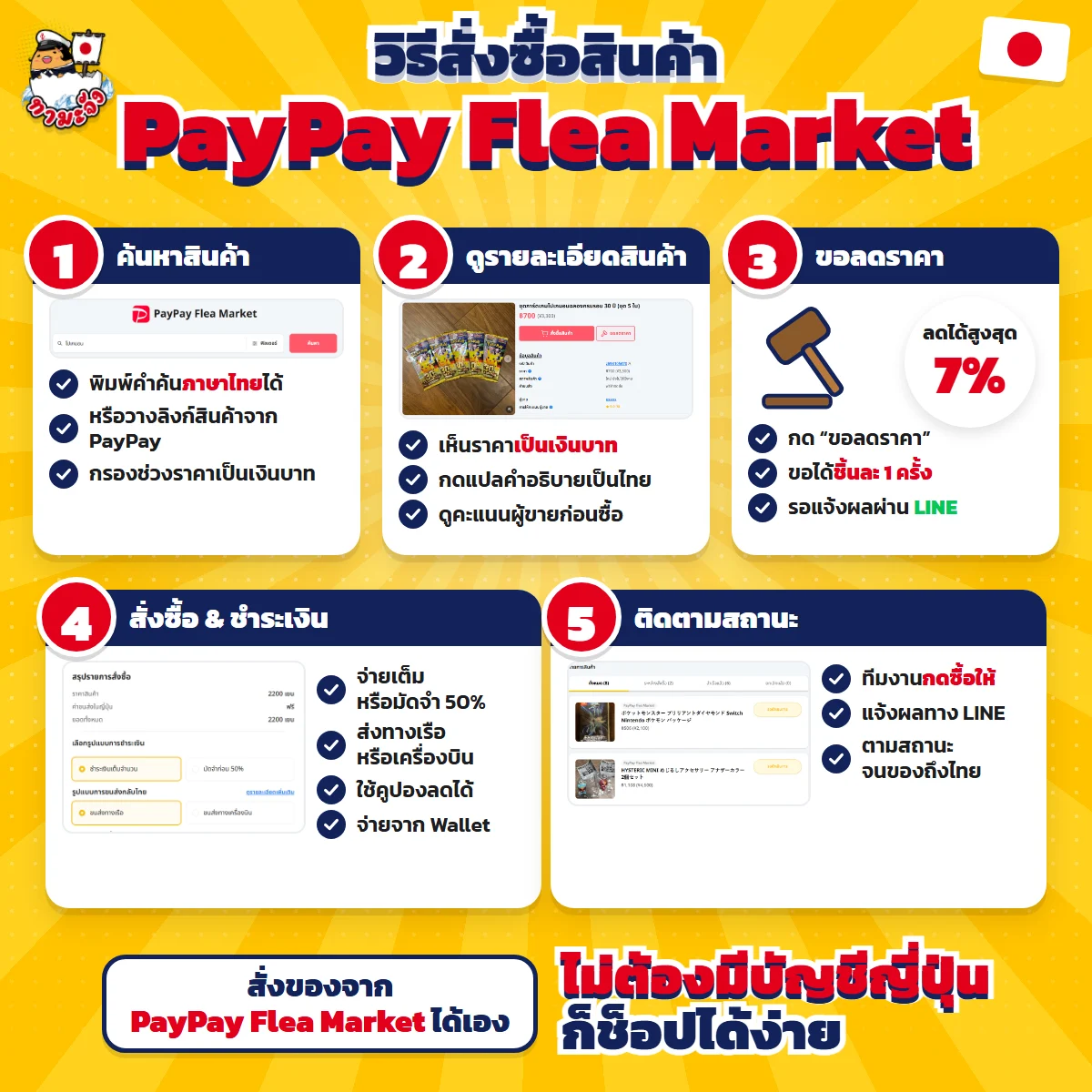
- How to Order from PayPay Flea Market, from Search to Delivery in ThailandOrder from Japan's PayPay Flea Market yourself on Tama-Chan. No Japanese account needed: just follow the screenshots step by step.
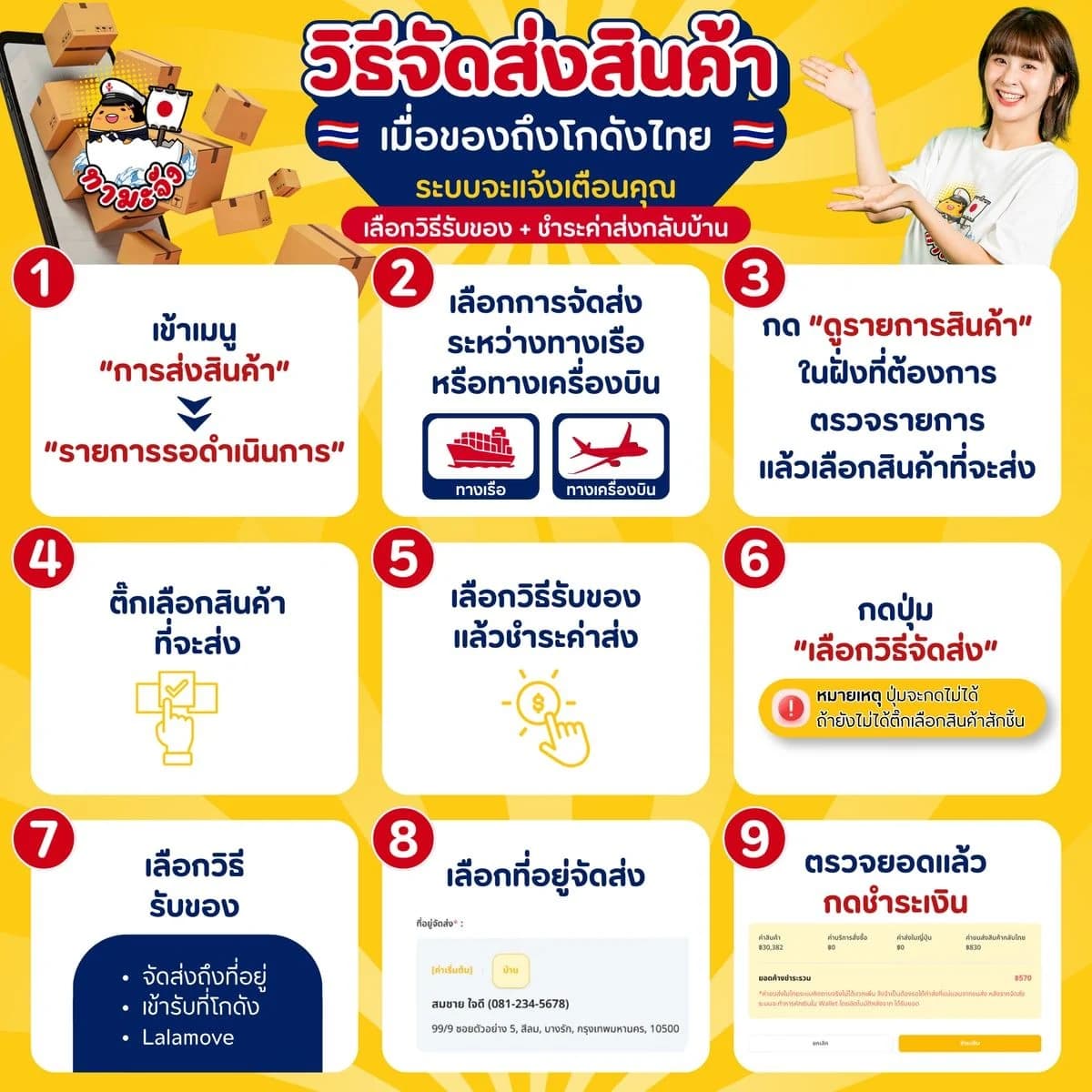
- Confirm shipping on Tama-Chan when your goods reach ThailandGoods at our Thailand warehouse? Arrange delivery yourself on the site: pick sea or air, choose how to receive them, and pay the shipping. Just follow the screenshots.
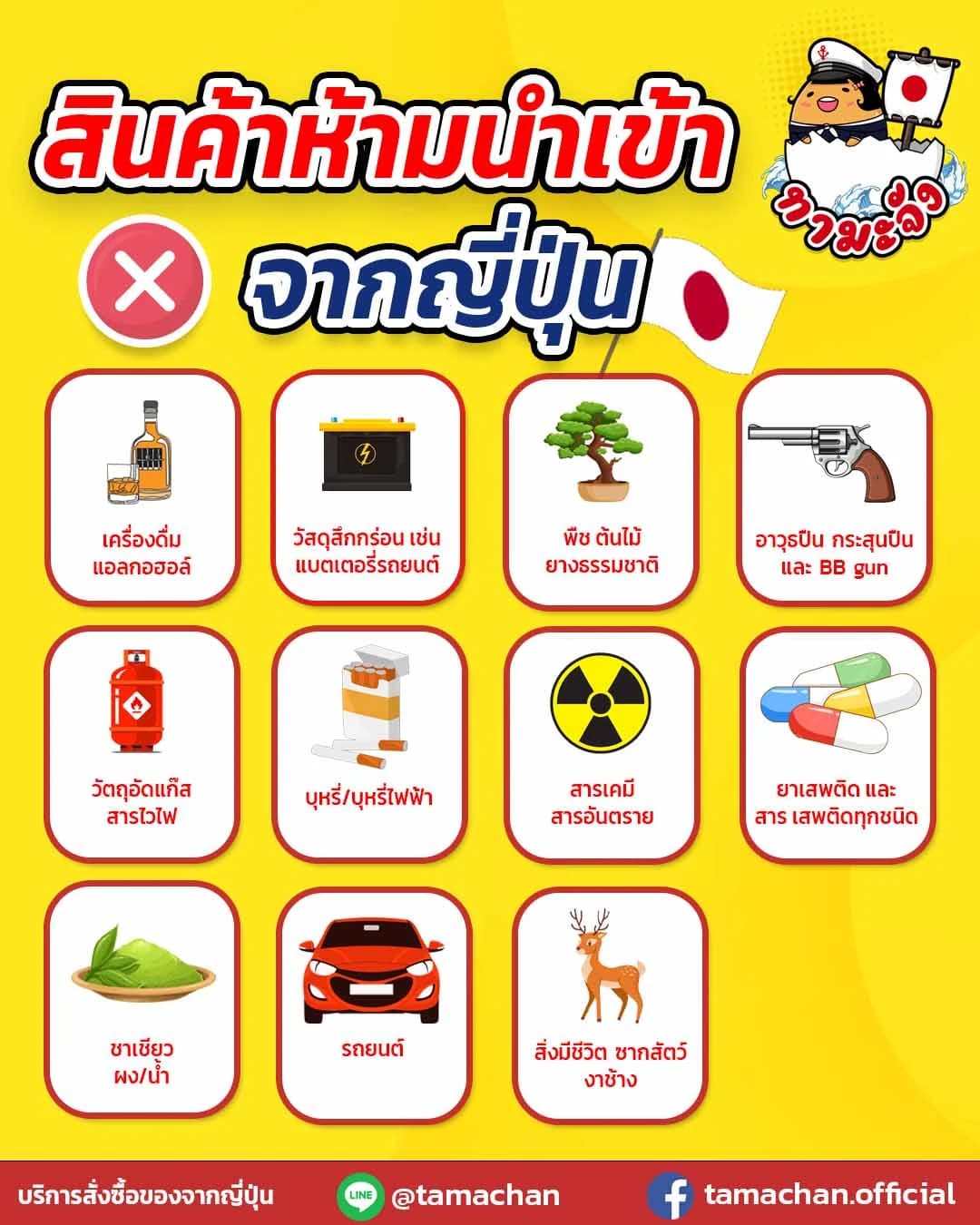
- Prohibited Items from Japan: All 11 We Cannot ShipThe 11 items Tama-Chan cannot ship back to Thailand, straight from the company's own notice — from alcohol, e-cigarettes and car batteries to powdered and bottled green tea.
- Service fee and shipping rate tablesCheck the per-item service fee and the sea and air freight rates before you commit
Related keywords
- how to order from Mercari
- Mercari discount request
- Mercari photo search
- track a Mercari order
Found something on Mercari?
Search, haggle and order from Mercari right here, or message an Admin on LINE.