
What Is PayPay Flea Market, Is It Yahoo Flea Market, and How Do You Buy from Thailand?
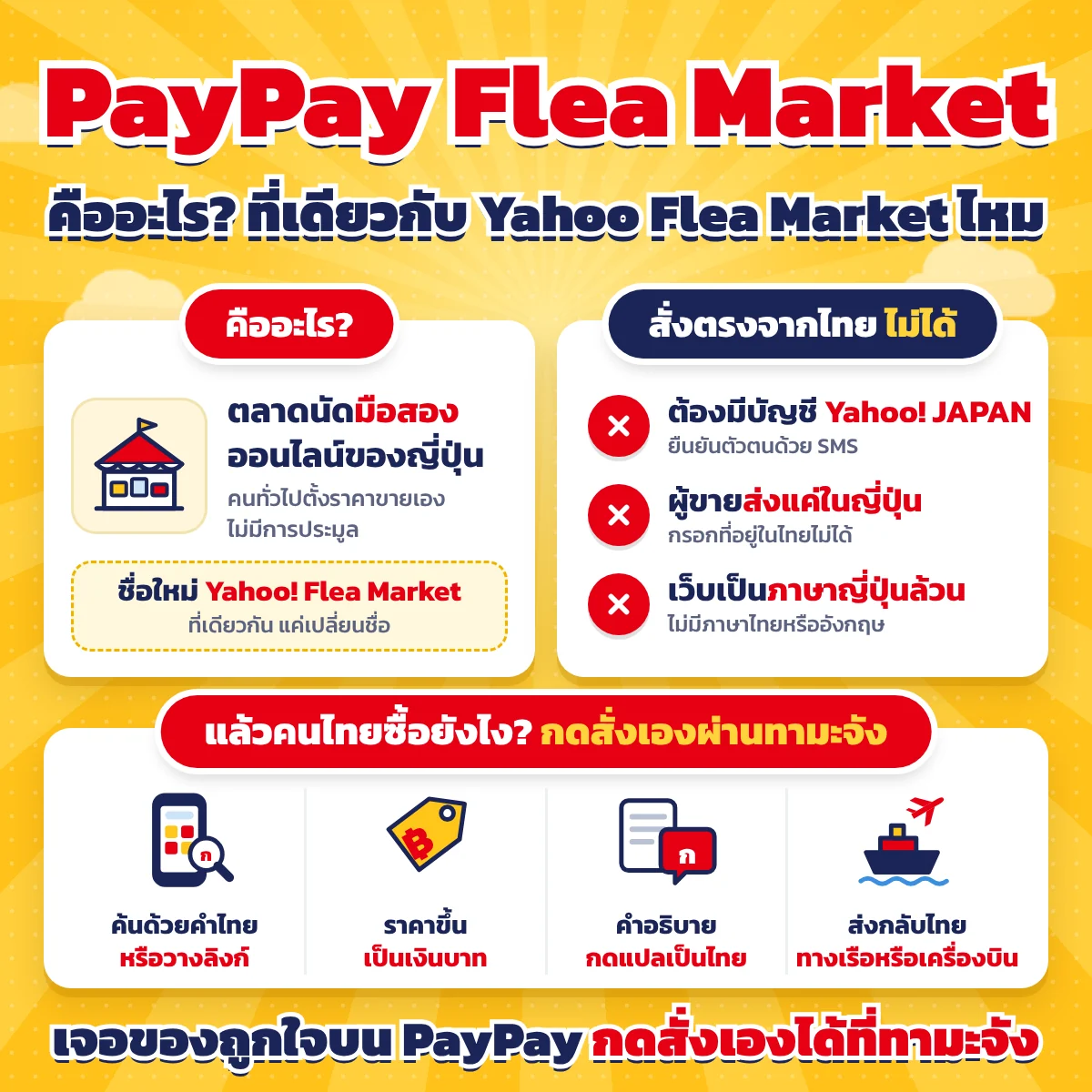
PayPay Flea Market, now called Yahoo! Flea Market, is Japan's online flea market: ordinary people list things they no longer use at a price they set, with no bidding. You can't sign up and buy direct from Thailand, but you can order it yourself through Tama-Chan.
Japan's online flea market, now called Yahoo! Flea Market
PayPay Flea Market is a Japanese online flea market. Ordinary people list things they no longer use at a price they set, and buyers pay that price. There's no bidding. It runs as both an app and a website.
On 1 November 2023 its official name changed to Yahoo! Flea Market, but it's the same place, still at paypayfleamarket.yahoo.co.jp. Most Thai shoppers still call it by the old name.
It belongs to LY Corporation (LINE Yahoo), which reported about 10 million users and 35 million app downloads in June 2026.
Most sellers are private individuals rather than shops, so prices tend to be lower than in a store, but you don't get the kind of guarantee a store gives.
What turns up on the app
You'll often find used clothing and shoes, trading cards, figures, collectables, part-used cosmetics and small appliances.
Where a Thai buyer gains most is on things Japan treats as used and worthless but that are hard to find here: event giveaways, discontinued lines, and Japanese labels with no branch in Thailand.
New items do appear, but usually as things the owner got and never used rather than shop stock.
One of each, first come first served
Sellers set a fixed price and the first person to buy gets it. There's no bidding as on Yahoo Auction. Most listings are a single item, gone once it sells, so the well-priced ones go fast.
Most prices already include delivery within Japan, and sellers usually ship anonymously, so buyer and seller never see each other's address.
Some fixed-price Yahoo Auction listings from individual sellers can also be bought on Yahoo! Flea Market, and Yahoo! Flea Market items show up in Yahoo Auction searches, so seeing the same item on both sites is normal.
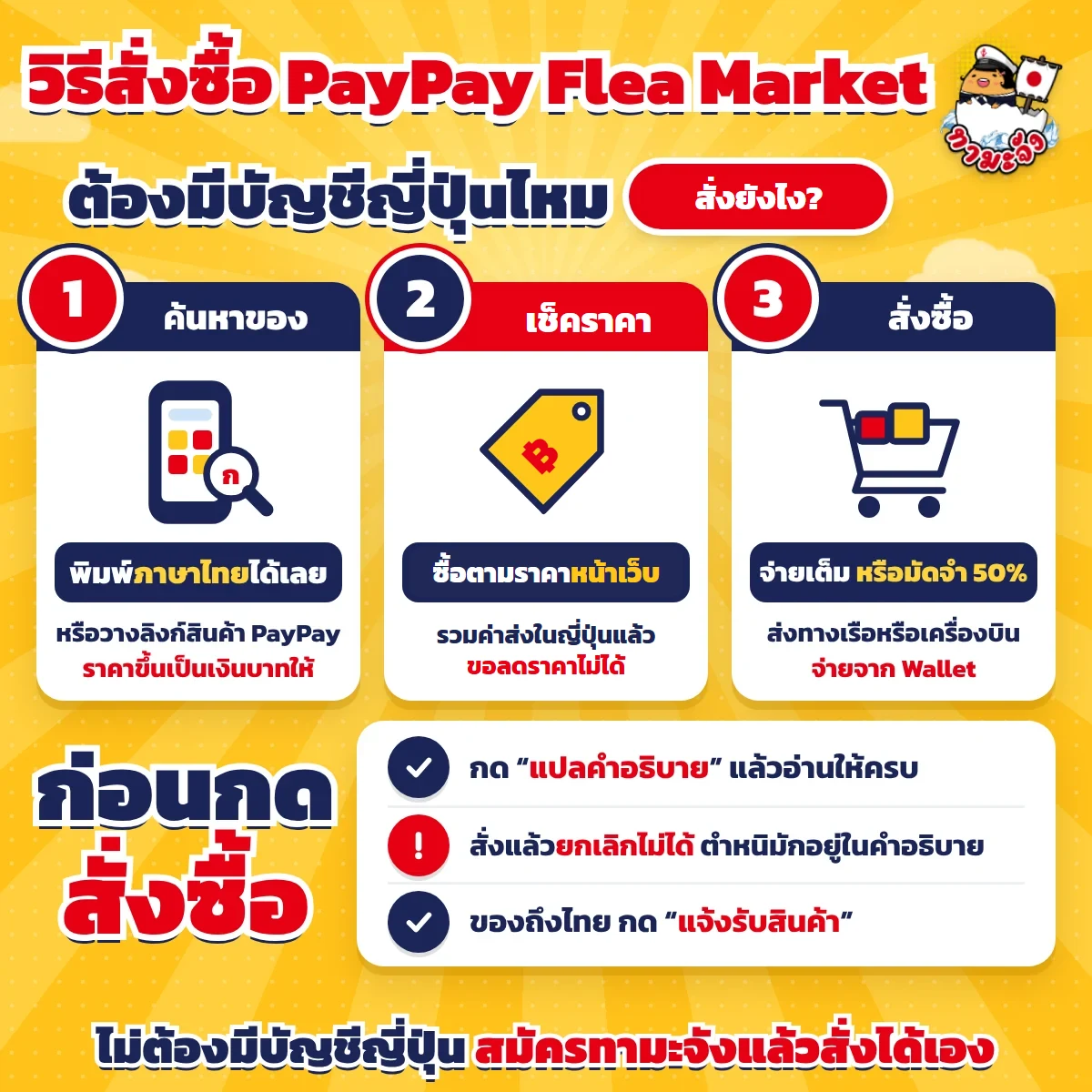
Before you buy, press “Translate description” and read the condition notes in full. Sellers usually state flaws plainly, such as scratches, stains or missing parts, and a listing with photos from several angles and a detailed description is generally the more trustworthy one.
Can you order from PayPay Flea Market direct from Thailand?
No. Three things get in the way:
- Signing up needs a Yahoo! JAPAN ID, SMS verification and an address.
- Sellers only ship within Japan, and a Thai address can't be entered.
- The site and app are entirely in Japanese, with no Thai or English.
Even with an account, the item would still have to go to an address in Japan first and be forwarded to Thailand from there.
How can Thai shoppers buy from PayPay Flea Market?
You can order it yourself on Tama-Chan. On Tama-Chan's PayPay Flea Market page you can search in Thai or paste a listing link, see prices in baht, and translate descriptions into Thai.
Once you order, the team buys the item on PayPay for you and ships it to Thailand by sea or air, whichever you chose. The screen-by-screen steps are in how to order from PayPay Flea Market, and fees and shipping to Thailand are on the service fee page.
Frequently asked questions
They're the same place. PayPay Flea Market was renamed Yahoo! Flea Market on 1 November 2023, the same day Yafuoku! became Yahoo Auction.
The site is still at paypayfleamarket.yahoo.co.jp, so old listing links still open, and you can paste them into the search box on Tama-Chan's PayPay Flea Market page.
They're very similar. Both are secondhand markets where people in Japan sell to each other at fixed prices, with no bidding, and most listings are a single item. Mercari is run by Mercari, Inc.; PayPay Flea Market by LY Corporation.
Ordering through Tama-Chan, the difference is in the tools: you can ask for up to 20% off on Mercari but not on PayPay Flea Market, and image search, the condition filter and the authenticity check are only on the Mercari side.
It depends on the listing. Sellers have to choose a condition grade when they list, which you'll see as “Product Condition” on the Tama-Chan item page. For the flaws the seller describes, press “Translate description” to read them in Thai.
If you want photos from another angle or have a question, message an admin on LINE and they'll ask the seller before you order.
Quickly. Most PayPay Flea Market listings are a single item and go to whoever buys first, and the well-priced ones don't last.
On Tama-Chan, once you confirm your order, the team goes and buys it on PayPay for you. If someone else gets there first, the team cancels the order and refunds the full amount to your wallet.
Read next
- How do I order from PayPay Flea Market? Do I need a Japanese account?Order from Japan's PayPay Flea Market yourself on Tama-Chan. No Japanese account needed: just follow the screenshots step by step.
- Open the PayPay Flea Market shopSearch in your own language, see prices in baht, and order it yourself.
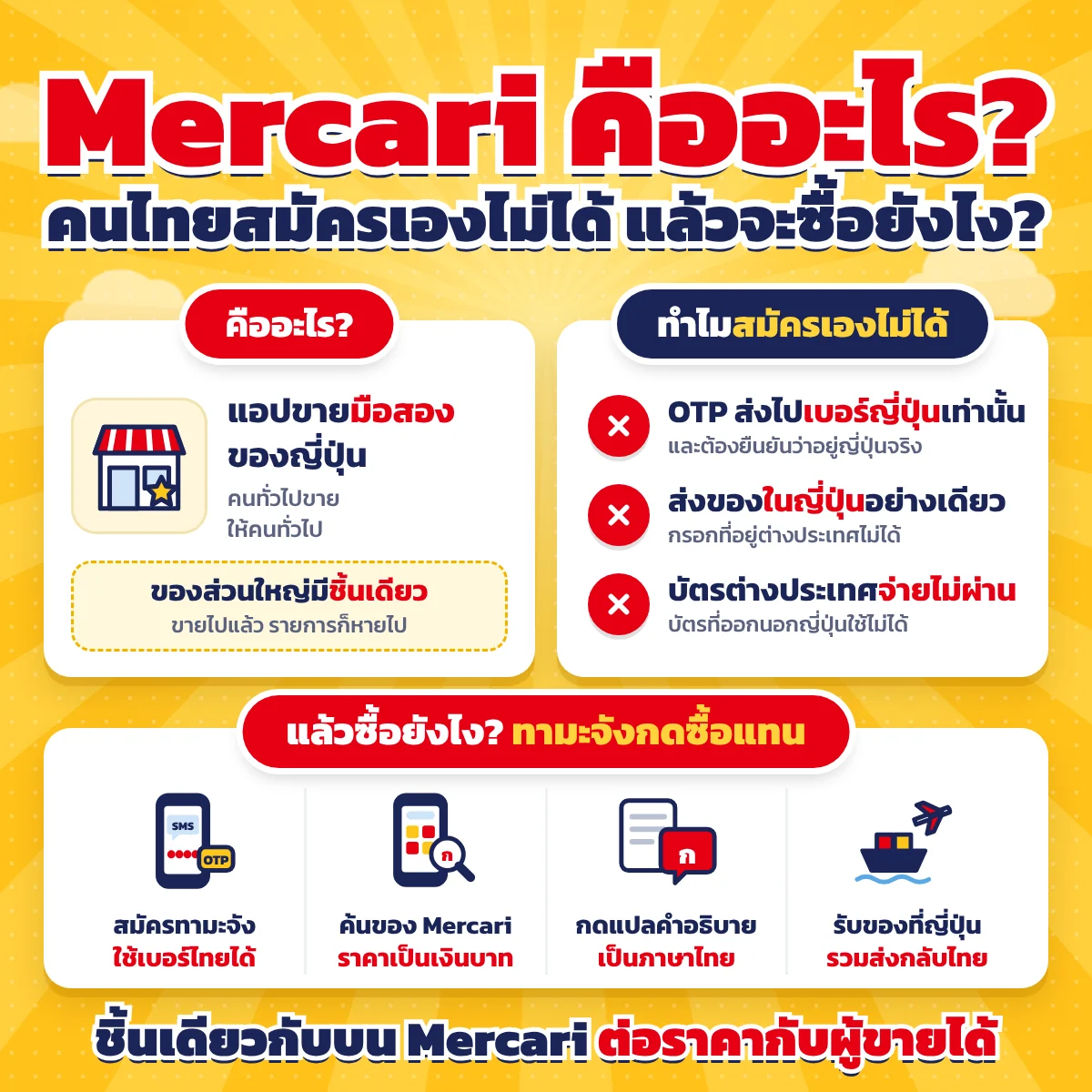
- What Is Mercari, and How Do You Buy from Thailand Without an Account?Mercari is Japan's popular secondhand marketplace app, but you cannot open an account from Thailand: sign-up needs a Japanese phone number for the OTP and proof that you live in Japan.
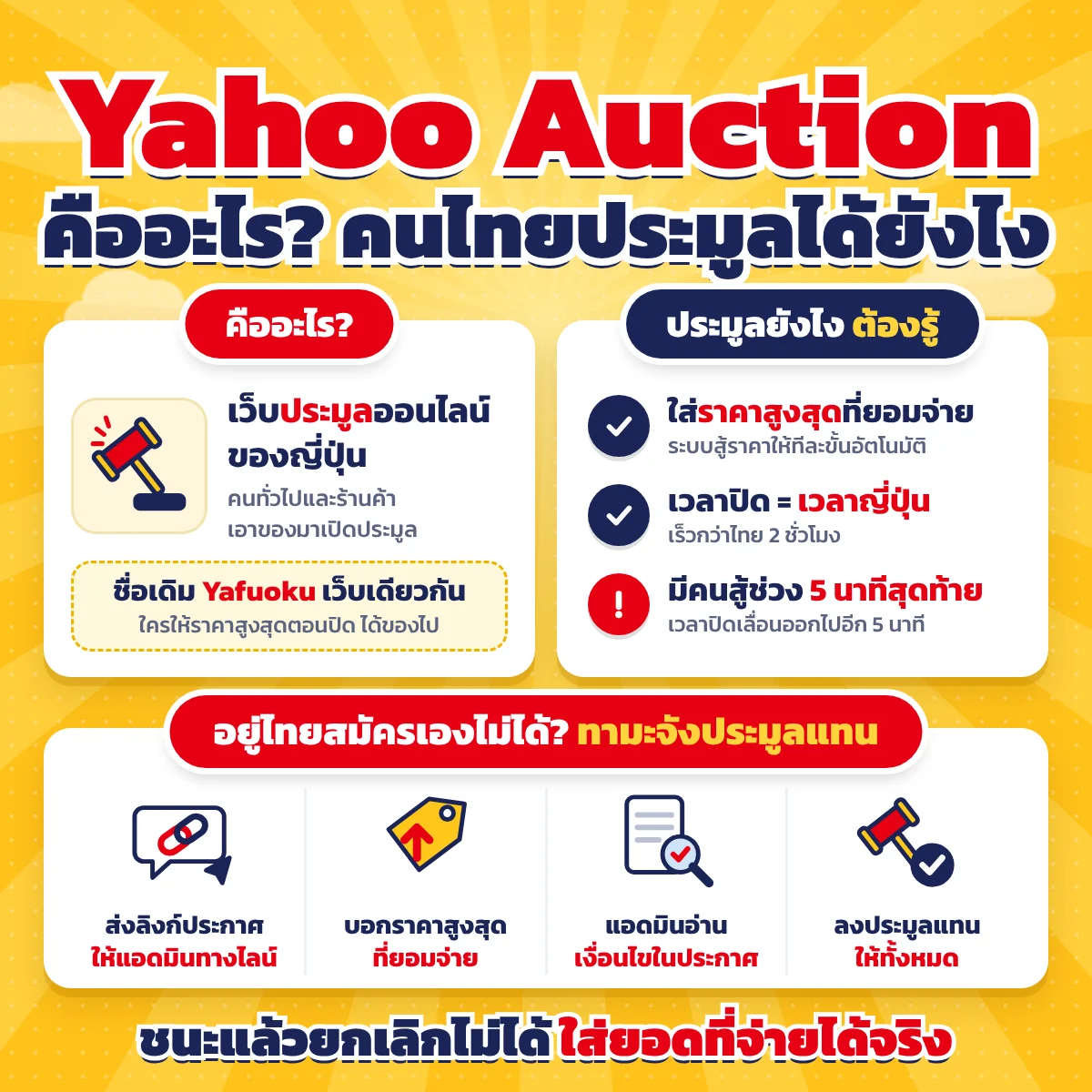
- What Is Yahoo Auction, and How Do You Bid from Thailand?Yahoo Auction is Japan's online auction site: individuals and shops put items up for auction, and the highest bid at closing wins. You can't sign up and bid yourself from Thailand; for now, you send the listing link to a Tama-Chan admin, who bids for you.
Related keywords
- What is PayPay Flea Market
- Yahoo Flea Market
- Order PayPay Flea Market from Thailand
Want something from PayPay Flea Market? Start here
Search in Thai and order from PayPay Flea Market yourself, or message an admin on LINE.