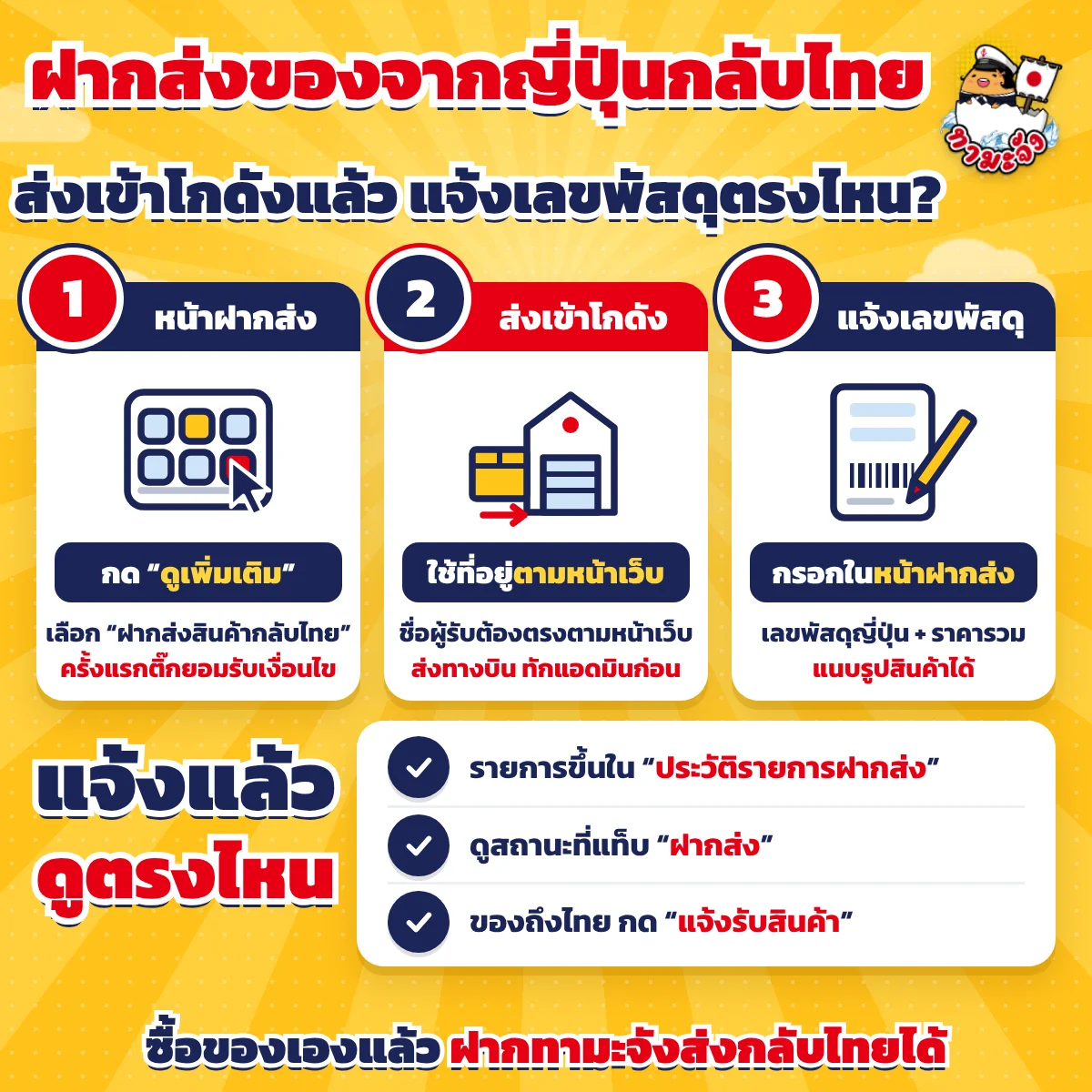
How do I forward my own parcels from Japan to Thailand, and where do I enter the tracking number?
Bought something in Japan yourself? Send it to the warehouse there, tell us the tracking number on the site, and we ship it home. Just follow the screenshots.
The warehouse address and recipient name are on the forwarding page. Use them when you order, then come back and file the tracking number.
Open Forwarding
- 1
Tap “See More”, then “Forward to Thailand”
At the end of the icon row on your dashboard, under “Manage Items”.
- 2
First time: accept the terms and tap “Confirm”
Read them first, especially the prohibited items list.
Send it to the warehouse in Japan
- 1
Use the warehouse address shown on the page
Use the recipient name exactly as shown. This address is for sea freight; for air, message an admin first.
Tell us about the parcel
- 1
Fill in the parcel details
- Order or shipping date
- Japanese tracking number
- Total item value (yen)
- Description or item link; add a photo if you have one
- 2
Tap “Confirm” and accept the terms again
The parcel appears in the forwarding history at the bottom of the page.
After that
- 1
Open “Check Delivery Status”
Two ways in:
- “My Items” > “Check Delivery Status” in the top menu
- The “Check Item Status” icon on your dashboard
Then open the forwarding tab to see the parcels you filed.
- 2
In Thailand? Tap “Receive Items”
Choose how to receive it and pay the shipping. See the receiving guide.
Frequently asked questions
Yes, but message an admin on LINE first for the air freight address. The address on the forwarding page is for sea freight only.
By weight and box size, with a 0.1 kg minimum by air and 1 kg by sea; the rates are on Tama-Chan's service fee page. You pay once the parcel reaches Thailand.
There's no damage cover. If a parcel is lost after reaching the warehouse, we cover up to 2,000 baht per tracking number. For valuable items, message an admin before sending.
Read next
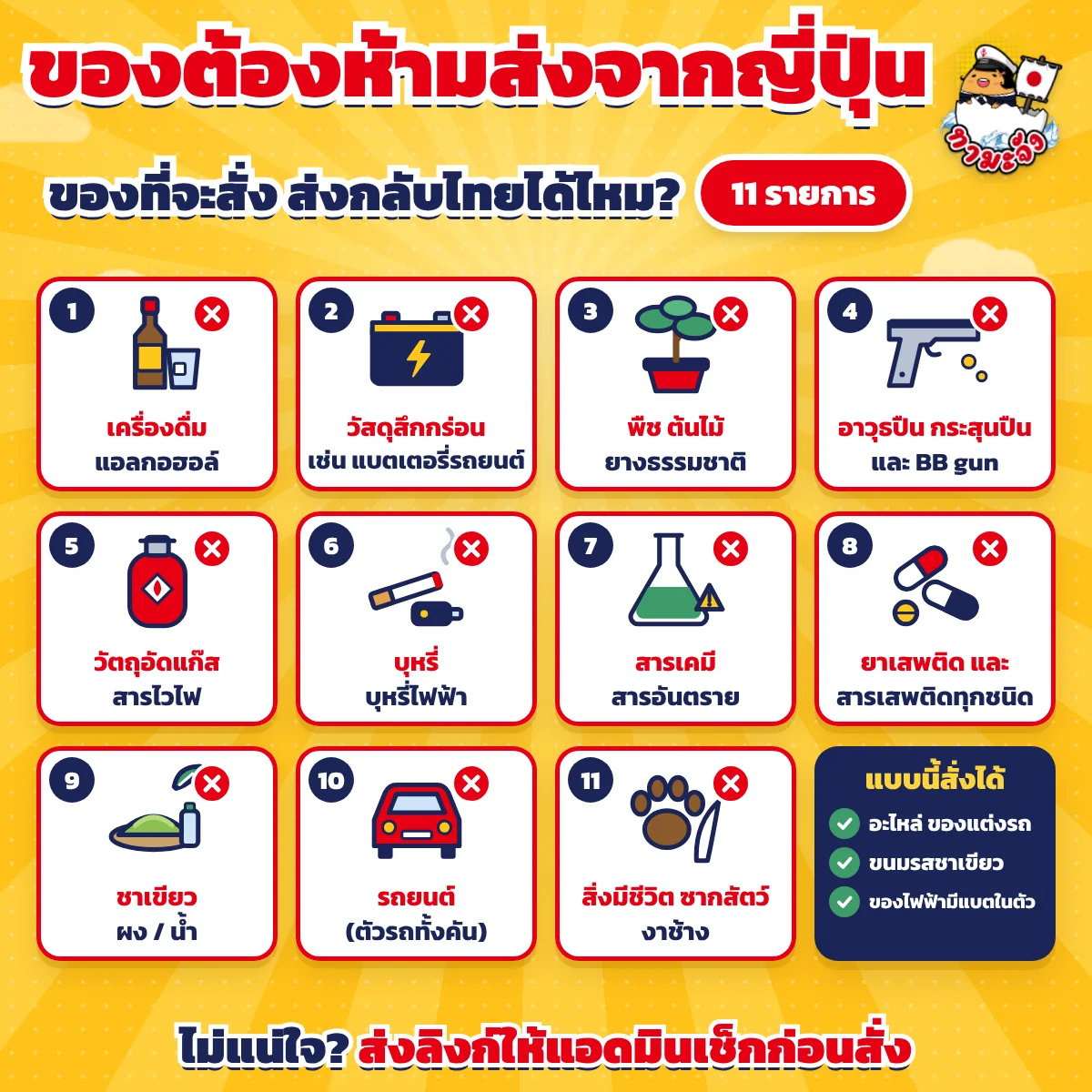
- Prohibited Items from Japan: What Are the 11, and Can Your Order Still Ship?The 11 items Tama-Chan cannot ship back to Thailand, straight from the company's own notice — from alcohol, e-cigarettes and car batteries to powdered and bottled green tea.
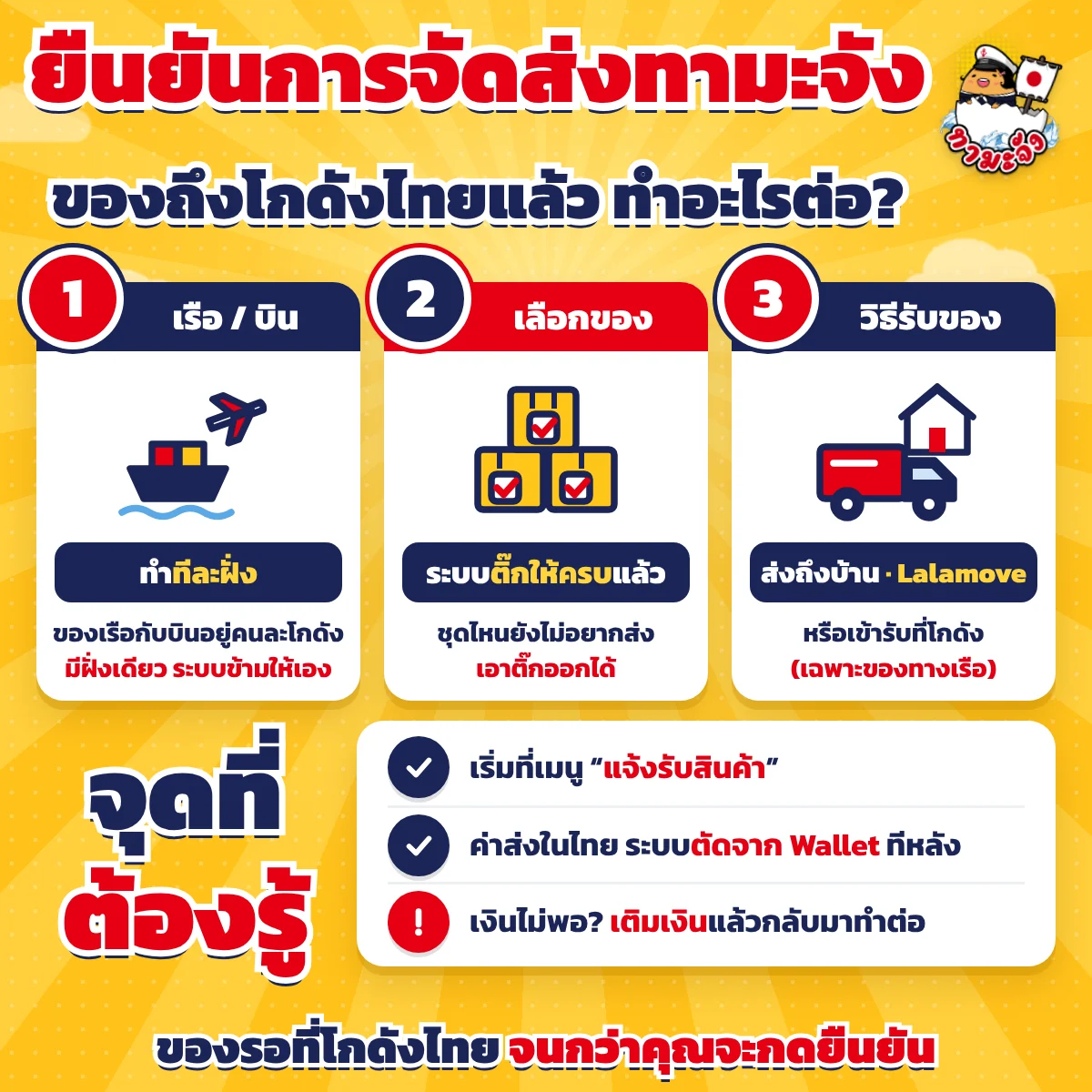
- How do I confirm shipping on Tama-Chan? My goods reached Thailand, what now?Goods at our Thailand warehouse? Arrange delivery yourself on the site: pick sea or air, choose how to receive them, and pay the shipping. Just follow the screenshots.
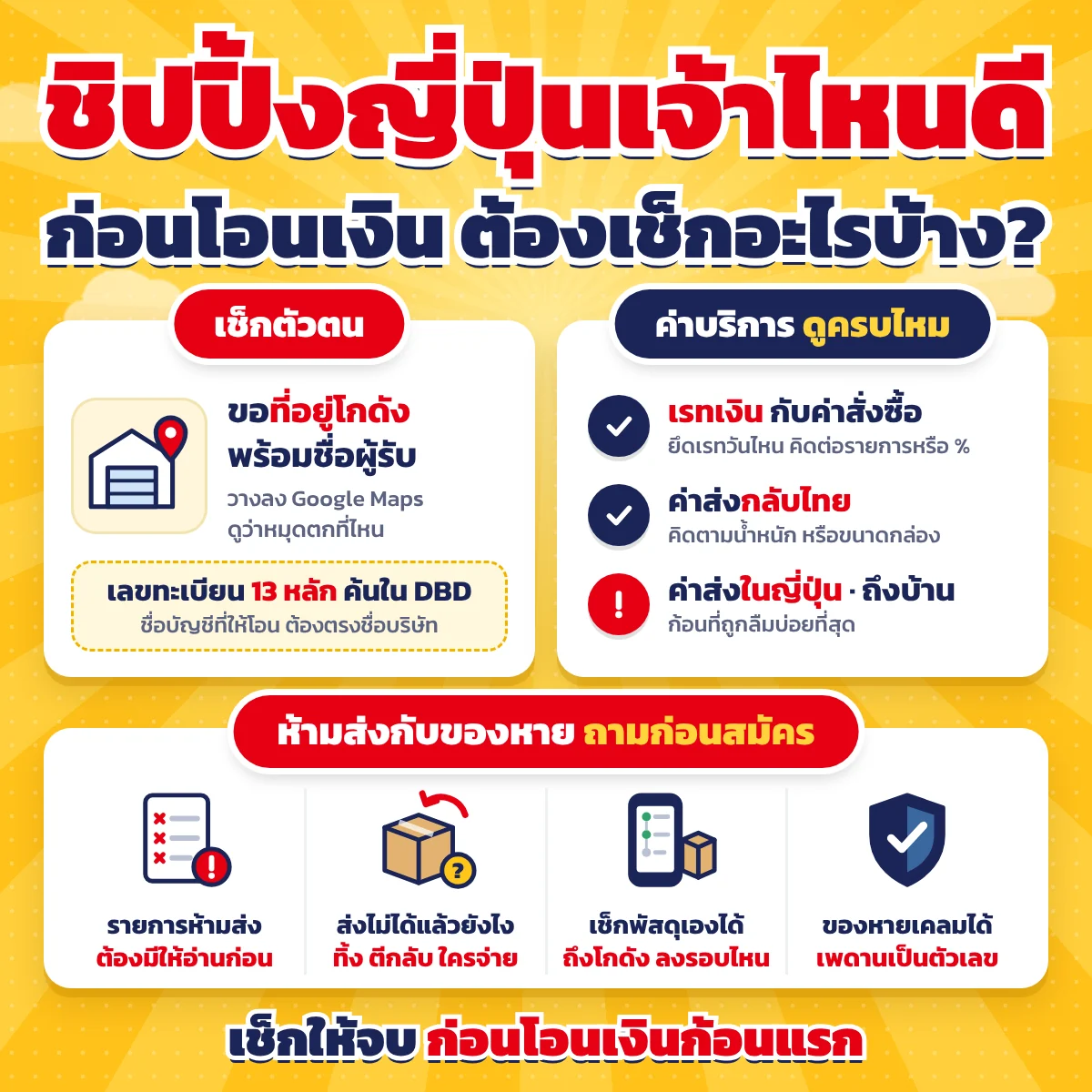
- Which Japan Shipping Service Should You Use, and What Should You Check Before You Pay?Every provider says fast, cheap and reliable. These four things you can verify yourself before a single baht moves — from the warehouse address in Japan to the terms on lost parcels.
- Shipping from Japan back to Thailand, by sea or by airCompare the two shipping modes, the transit times, and the shipping rounds we run
Related keywords
- parcel forwarding from Japan
- forward parcels from Japan to Thailand
- Japan warehouse
- sea freight from Japan
Ready to forward your first box?
Open the forwarding page to see your warehouse address right away, or message an admin on LINE.